 Contents
Feature Types
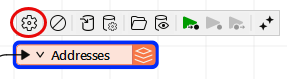
To open the Feature Type Parameter Editor, double-click a selected feature type, or select a feature type and click the gear button.
Tip To always display the editor from the FME Workbench toolbar, select View > Window Layout > Parameter Editor:
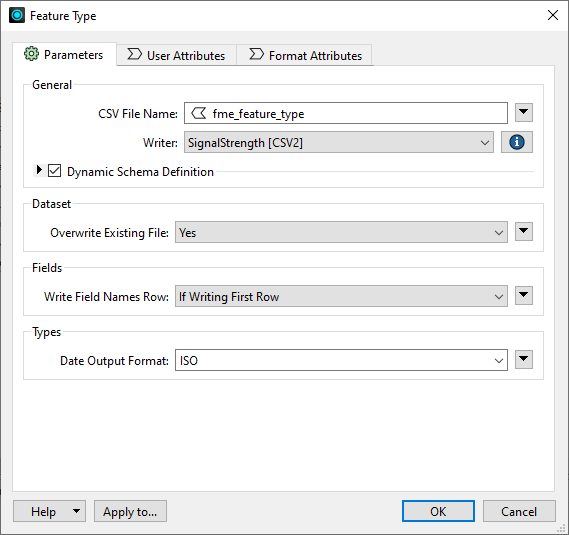
About Feature Type Parameters, User Attributes, and Format Attributes
Reader Feature Types
About Reader Feature Type Parameters
About Reader Feature Types: User Attributes
Writer Feature Types
About Writer Feature Type Parameters
Working with Feature Types
Feature Type and Attribute Property Menus