This parameter specifies a refresh token for OAuth 2.0 authentication to a specific Google account.
If you already know the token, you can copy/paste it into this parameter. To obtain a new token, click the browse button. This will prompt for a Google account authentication page from Google.
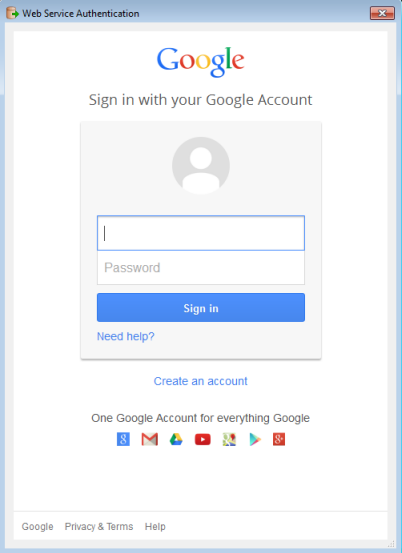
It is recommended that you save the defaults (from the Defaults button on the dialog) once the refresh token is retrieved so you will not have to re-authenticate in the future.
Note: Refresh tokens generated for the Google Sheets Writer have a read-write scope. Do not share the Refresh Token with others.
This parameter specifies the spreadsheet to write:
A single spreadsheet must be specified.
To write to multiple spreadsheets, use multiple instances of the Google Sheets Writer.
The parameter in this section takes effect only when FME creates a worksheet.
This parameter is applicable only when the Use Attribute Names As Column Positions parameter is set to No.
If this parameter is set to Yes, the first row, as specified by the Start Writing At Row parameter, is populated with field names in the same order as their definition on the feature type.
This parameter determines how many cells are written in a single request, and approximately how many rows are retrieved in a single request. If not specified, a default value is used.
This parameter influences memory usage and progress logging. Under most circumstances, you will not have to change the default value.